Custom web applications
Small custom systems for the work your business actually does.
Sweetwater builds practical web applications, dashboards, portals, reports, and workflow tools for businesses that have outgrown spreadsheets or generic software.
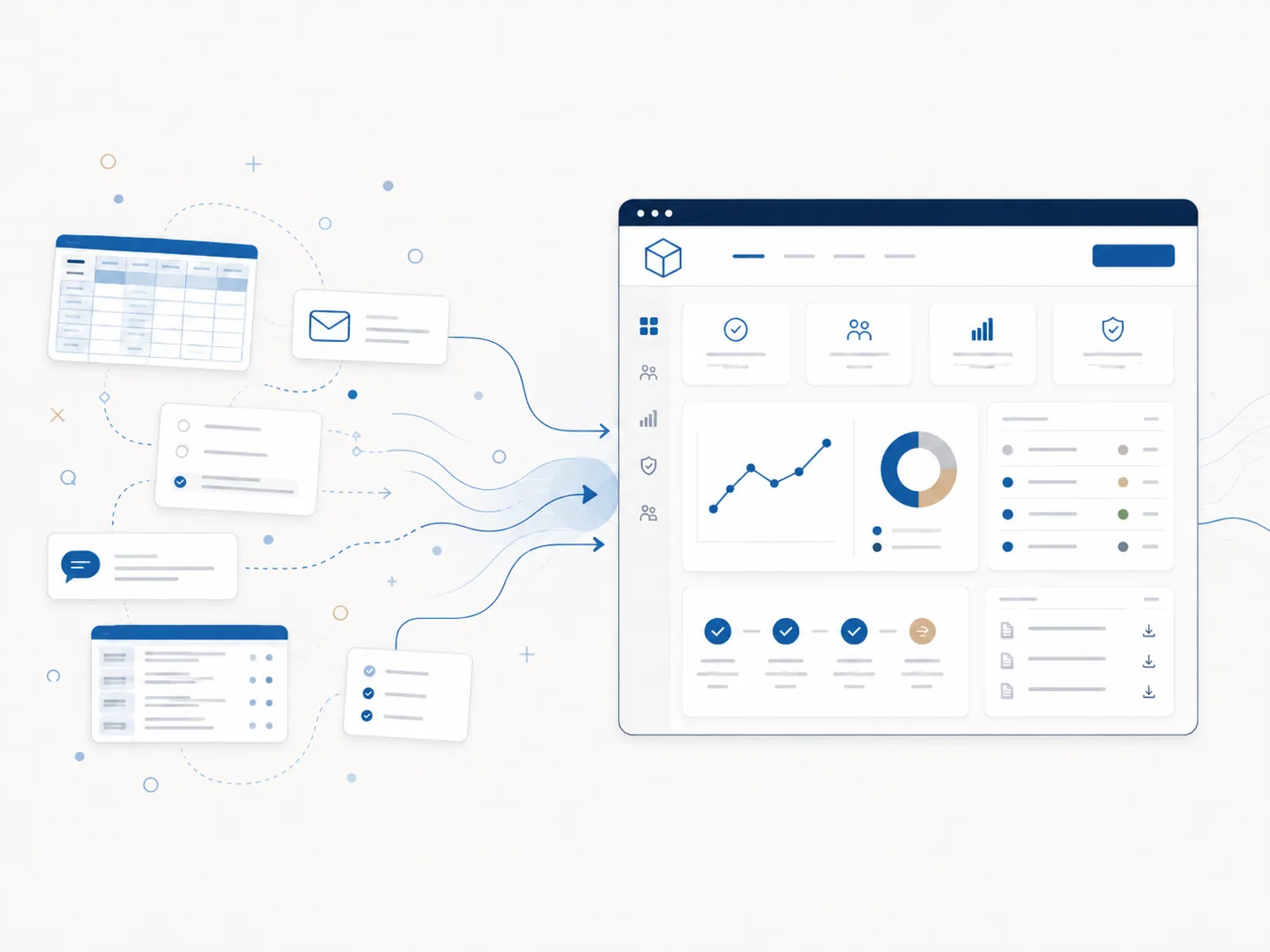
Dashboards, portals, reports, and workflow tools built around your team.
Your workflow should for your team.
When a team is juggling too many spreadsheets, duplicate data entry, manual reports, email approvals, repetitive work, and tools that only almost fit, the workflow itself becomes the bottleneck. Instead of supporting progress, the system starts slowing it down.
Custom software is not always the answer, but sometimes a small, well-shaped tool is exactly what enables your team to move forward.
Common pressure points
- Duplicate entry between systems
- Manual status tracking and reports
- Email-driven approval chains
- Process steps that only one person understands
- Off-the-shelf software that "almost" fits
What can be built
Useful internal tools without the extra weight.
Internal dashboards
Client portals
Vendor portals
Ordering systems
Reporting tools
Data imports
Workflow automation
Admin panels
API integrations
Practical tools, not unnecessary complexity
Built with practical tools, not unnecessary complexity.
Sweetwater uses lightweight, maintainable PHP architecture where it makes sense, including Scaffold for projects that need clean routing, reusable views, forms, and business logic without the weight of a full CMS.
Process
Build the smallest useful version first.
Start with the actual steps, people, and bottlenecks instead of abstract feature lists.
Find the version that removes the most friction without overbuilding.
Get the necessary logic, screens, and workflows in place cleanly.
Use actual records, tasks, and user feedback to shape the next step.
Add the next layer once the first version has proved it is useful.
Example project types
Sweetwater Media
Have a process that could be smoother?
Describe the workflow.